Design Preparation
Avoiding copyrighted artwork and unlicensed brand elements
Check each image, font, logo and brand element in a POD production file. Confirm merchandise rights and hold uncertain artwork.

Desk
Explains file setup, colour and print limitations, and how listings are photographed for made-to-order items.
Design Preparation
Check each image, font, logo and brand element in a POD production file. Confirm merchandise rights and hold uncertain artwork.
Mockups & Listings
Audit POD mockups for implied accessories, finishes, coverage and packaging that the actual product may not include.
Design Preparation
Check POD artwork on each offered product colour, adjust weak contrast, verify variant files and qualify screen-to-print colour expectations.
Design Preparation
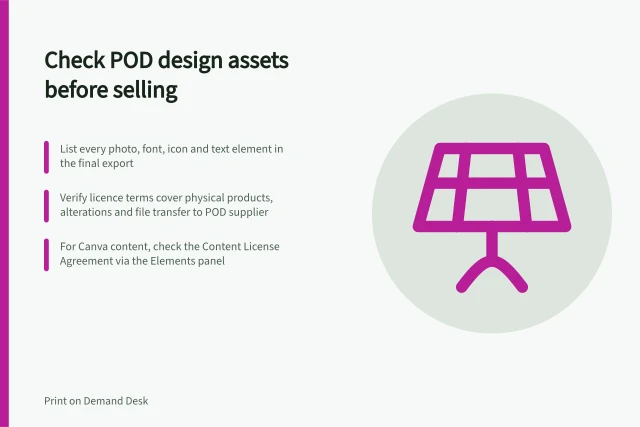
Check the source and terms for each asset in a POD design against the product, sale and supplier workflow you intend to use.
Design Preparation
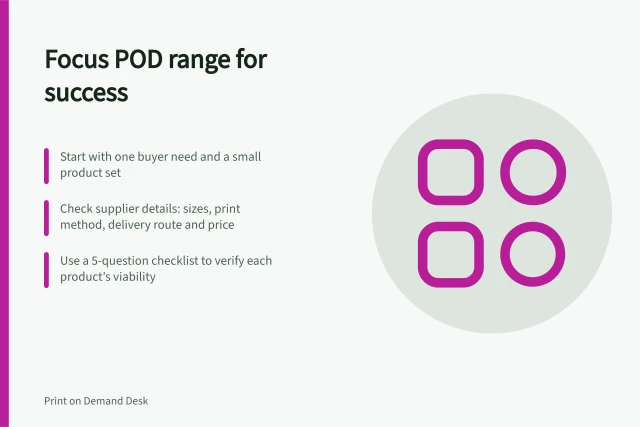
Build a small POD launch range by checking buyer purpose, variants, file requirements, delivery and the work each product adds.
Design Preparation
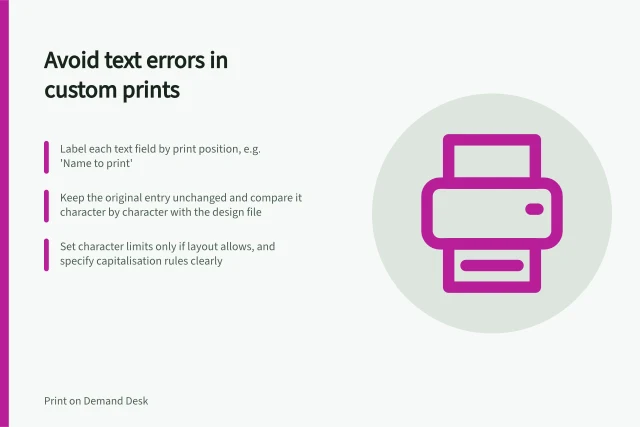
Set up clear personalisation fields and check that names and messages reach the print file as the customer entered them.
Mockups & Listings
Compare a POD mockup with a photograph of the same printed sample, identify meaningful differences and decide which images belong in the listing.
Mockups & Listings
Set repeatable POD image roles, map photos and mockups to variants, and check the live gallery after product updates.
Design Preparation
Keep font and graphic permissions tied to the artwork versions, products and production workflows that use them.
Mockups & Listings
Give a POD collection a clear purpose, prepare accurate product pages, choose manageable promotion and review buying evidence.
Design Preparation
Define a POD collection's shared interest, give each design a distinct role and make the grouping clear to buyers.
Design Preparation
Prepare POD artwork for the exact product. Check file rules, colour variants, design rights and the final upload before listing.
Mockups & Listings
Plan accurate POD product images, use mockups and sample photographs for the right jobs, and check scale, features and variants before listing.
Design Preparation
Prepare poster artwork for each intended size and verify safe zones, resolution, output and delivery format.
Design Preparation
Find the exact POD print area, calculate resolution at final size, use safe areas and bleed correctly, and inspect the uploaded file.
Design Preparation
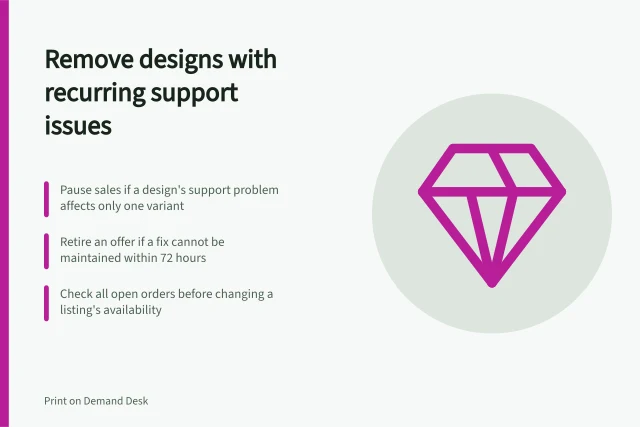
Trace recurring complaints to the exact POD offer, choose a fix or pause, and check open orders before removing a design.
Mockups & Listings
Choose a customer preview, explain what approval covers and make sure the approved design reaches production.
Mockups & Listings
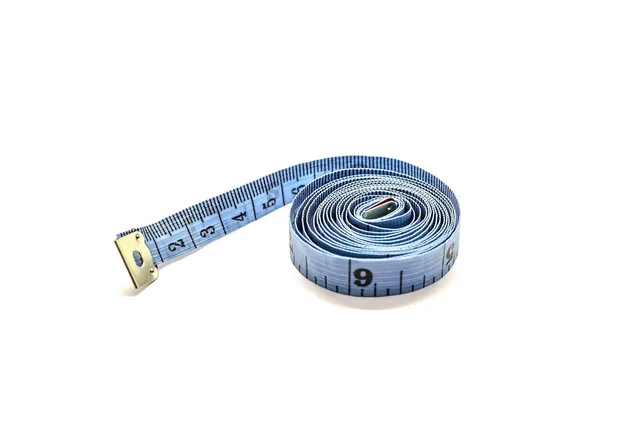
Check the physical print size behind a POD image, account for size-dependent scaling and show buyers a fair whole-product view.
Mockups & Listings
Test a POD design with a defined buyer question, honest mock-up, relevant feedback and a sample before investing in a larger store.
Mockups & Listings
Test a narrow batch, protect variant data and check storefront and supplier results before releasing bulk POD listing changes.
Mockups & Listings
Trace a controlled checkout order into the POD supplier and check import, variant, artwork and approval before launch.
Design Preparation
A design that looks centred on one mockup may feel too large or too low on another size.
Mockups & Listings
Write POD product copy that connects the design to verified item details and helps buyers understand the offer.