Supplier Selection
Part of POD products beyond apparel
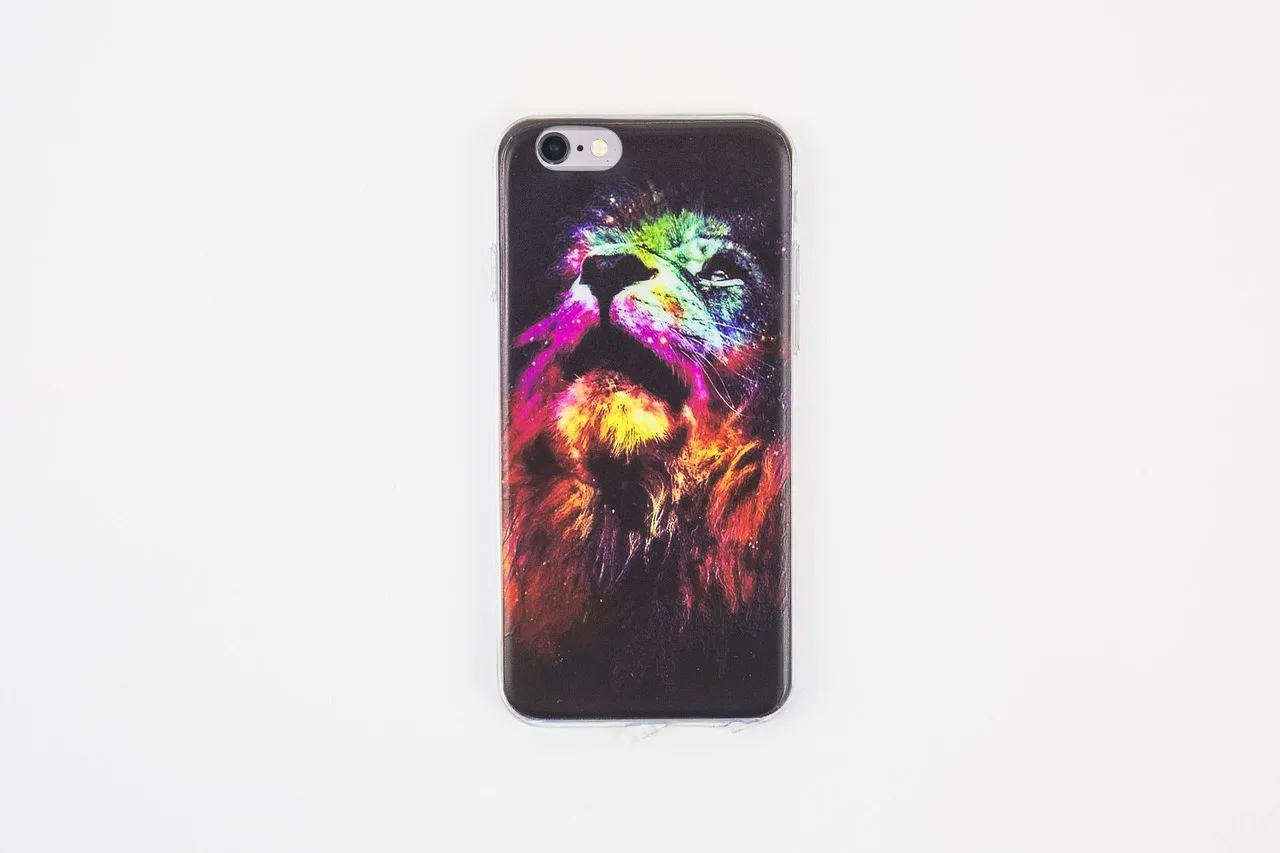
Checking device compatibility for custom phone cases
Prevent wrong-model custom phone-case orders by checking catalogue variants, listing labels and a representative physical fit.
“Fits iPhone” or “fits Samsung” is too broad for a case listing. Buyers need the exact device model, and the fulfilment variant must map to that same model. Camera openings, side controls and dimensions can differ even when names look similar.
Critical Metrics for Custom Phone Case Listings
- Artwork Safe Zone Size
- Varies by case style – check template for each variant
- Packaging Accuracy
- Confirmed via label on shipped item
Build a model-to-variant map
Record the provider product, case style, supported device model and store variant ID in one table. Use the current supplier catalogue; do not add an anticipated handset or assume a neighbouring model is compatible. If a provider changes its case range, review the store listing before leaving old variants live. Check the connected store’s process for updating product variants.
Check the artwork template for each case style. A snap case and a tougher case may have different print areas or edge coverage. Keep important text and faces away from camera openings and safe-zone boundaries. Check the preview with the exact model variant selected, not just the first default mock-up.
Test the buyer’s selection path
Place a test order for a representative model and verify the selected option in the confirmation, production order and packed item label. A physical fit check on that actual model can reveal blocked buttons, camera misalignment or a loose edge. One model test does not certify the rest of the range; prioritise further samples for materially different case constructions or device generations.
Show the model name clearly on the product page and confirmation, and give customers an easy way to check it before paying.