Design Preparation
Part of Personalised POD orders
Collecting custom text without transcription errors
Set up clear personalisation fields and check that names and messages reach the print file as the customer entered them.
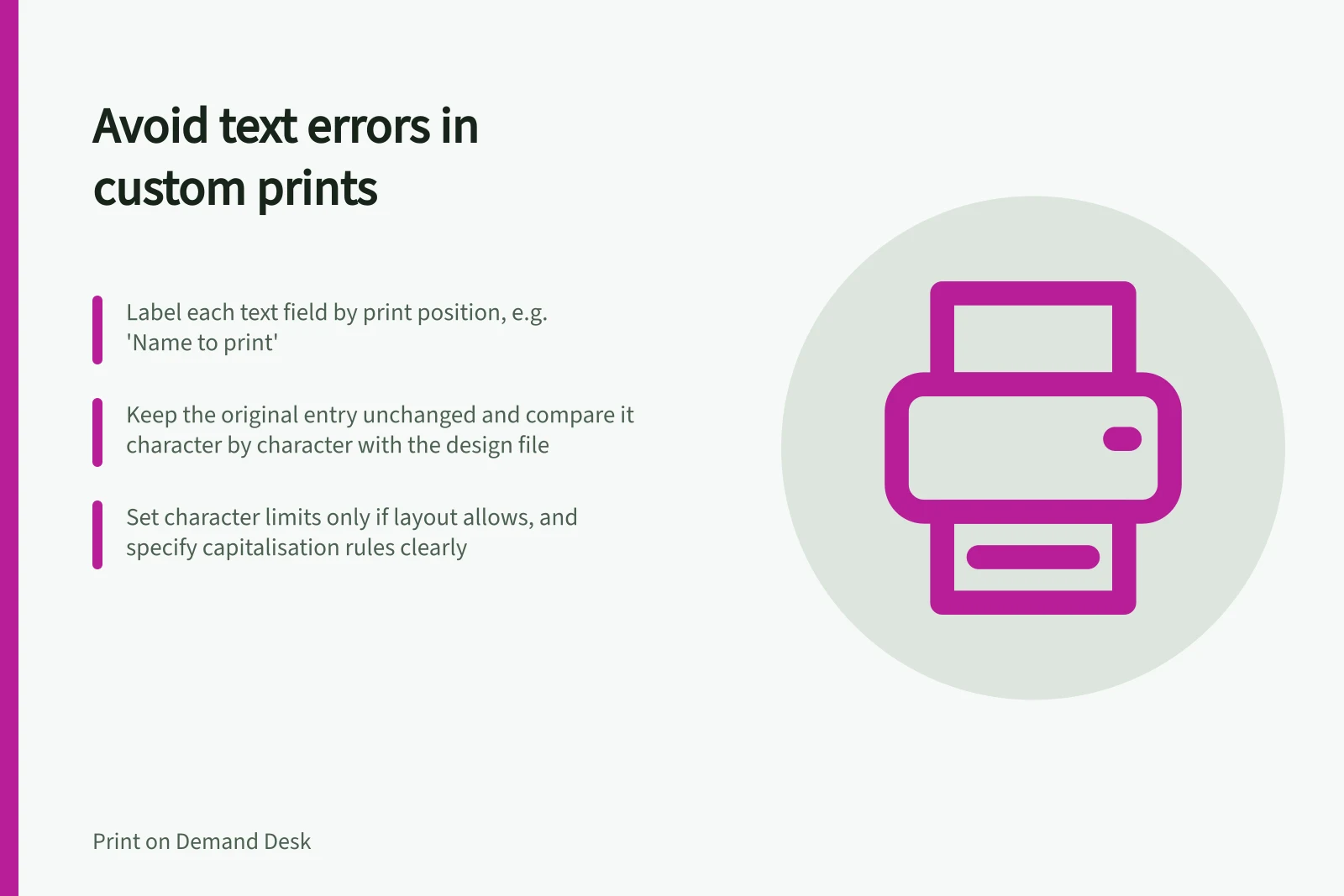
Capture the buyer’s printable text in a clearly labelled order field. Keep the original entry unchanged with the order and use it as the reference when setting up or revising the artwork. Compare the design file with that original entry to catch differences.
Make the input clear
Ask for the exact text to print, not a general description of what the buyer wants. Label each field by print position, such as “Name to print” or “Message to print”. If there is only one field, state the required format in the instructions.
Set a character limit only when you know the layout can accommodate it, and state the limit plainly. Explain whether capitalisation will be reproduced as entered.
For an Etsy listing or Shopify personalisation setup, check the controls available in that setup before relying on separate fields, character limits, or optional or mandatory entries.
Keep font or colour choices separate from printable text when the setup permits it. If those choices are fixed, say so in the listing. A broad prompt such as “Tell us what you would like” can mix print text with delivery notes and design requests.
Compare the text at each handoff
Keep the raw entry in its labelled order field; do not replace it with a corrected or reformatted version. When creating or revising the artwork, refer back to that original entry rather than an intermediate note.
Compare the text in the design file with the raw entry, character by character. Check spelling, punctuation, accents, letter case, repeated letters, apostrophes, hyphens and deliberate lower case.
Inspect the full line at its intended layout size for clipping or awkward breaks. Do not silently correct an unfamiliar name.
If the buyer’s request appears separately from the order field, associate it with the order number before editing the design.
If an entry is blank, conflicts with another instruction or contains a character the chosen font cannot show, pause and ask the buyer a specific question. Keep any approved correction as a new instruction, preserve the original entry, and compare the revised design file with the approved text.