Returns & Replacements
Part of Personalised POD orders
Handling names and dates that need confirmation
Ask precise questions about uncertain names and dates, hold the personalised order and record the customer's confirmed wording.
If a name or date could reasonably mean more than one thing, hold the personalised order and ask the buyer to confirm the exact text to print. Do not silently correct an unfamiliar name or infer a date from the seller’s location.
Ask about the uncertain detail
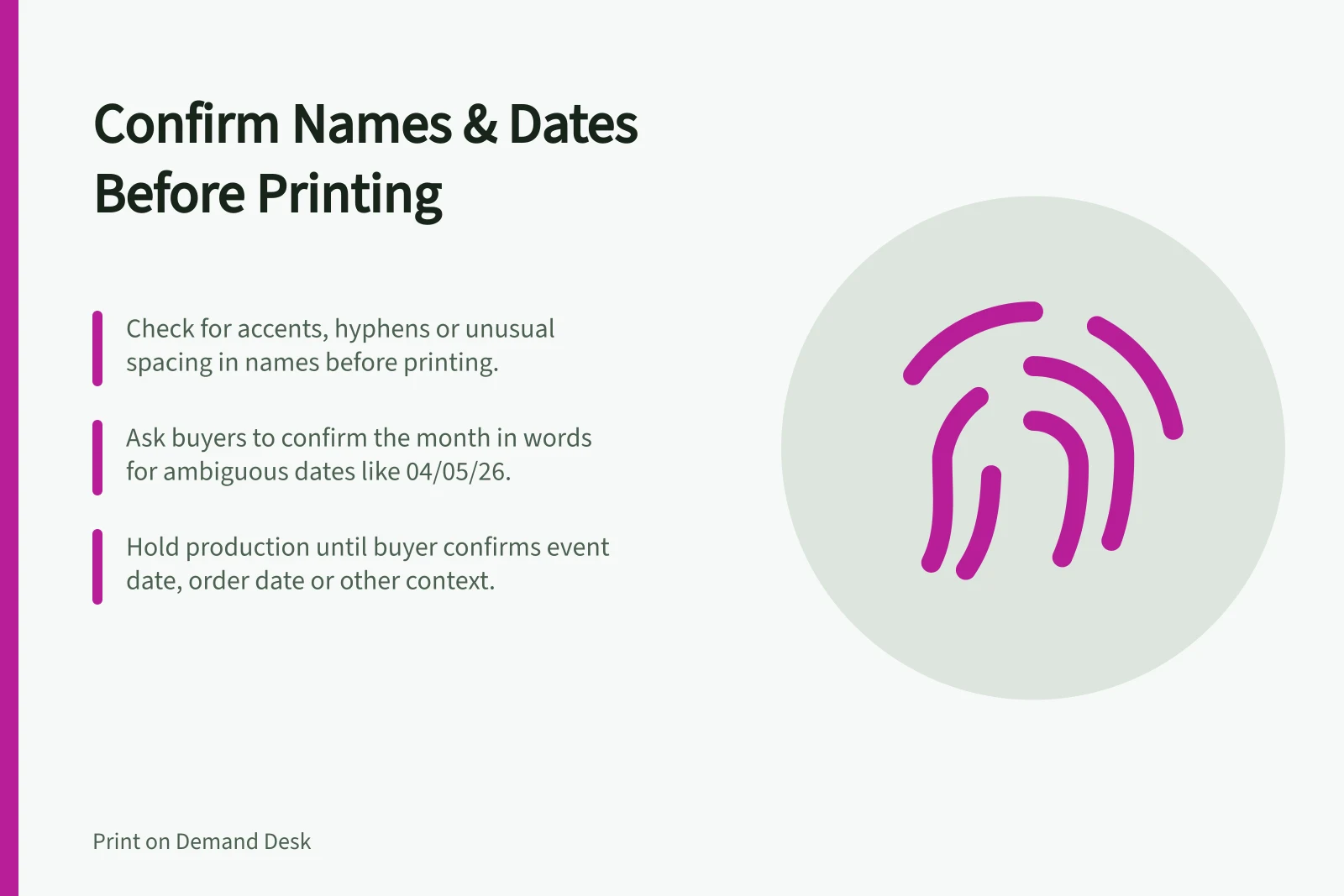
Names can contain accents, apostrophes, hyphens, spaces or deliberate lower case. First check whether the entry conflicts with the offered options or uses a character the chosen font cannot display.
If it does not, reproduce it as submitted. If a change is needed, quote the entry received and ask the buyer for the text they want printed.
A numeric date such as “04/05/26” can have more than one reading. Ask for the month in words when the meaning matters, then show the exact format that will appear on the product.
Also confirm whether the buyer means an event date, an order date or another date if the listing leaves that unclear.
A focused question is easier to answer than “Please check your details”. For example: “You entered 04/05/26. Should the print read 4 May 2026 or 5 April 2026?” Do not assume either answer is correct.
Hold production while waiting
Mark the job as awaiting confirmation and check that the supplier order cannot proceed. Check the connected sales channel and supplier settings to confirm whether the order is held pending review. Sending a customer message does not itself pause fulfilment.
Tell the buyer what needs confirming and that production will wait for the answer. Avoid promising a dispatch date while the response is outstanding. If no answer arrives, follow the store’s stated contact and cancellation process instead of guessing.
Record the confirmed instruction
Keep the buyer’s answer with the order and mark which earlier entry it replaces. Update the artwork and compare it with the confirmed text. If the change affects a proof already approved, show the revised version for approval where required by your process.
If confirmation arrives after submission, inspect the supplier order status before promising a change. Check the supplier’s current rules to see whether edits are still possible.