Returns & Replacements
Part of POD shipping and delivery expectations
Tracking a POD order stuck before dispatch
Diagnose a POD order with no confirmed dispatch by checking submission, holds, production status and the current ship-by estimate.
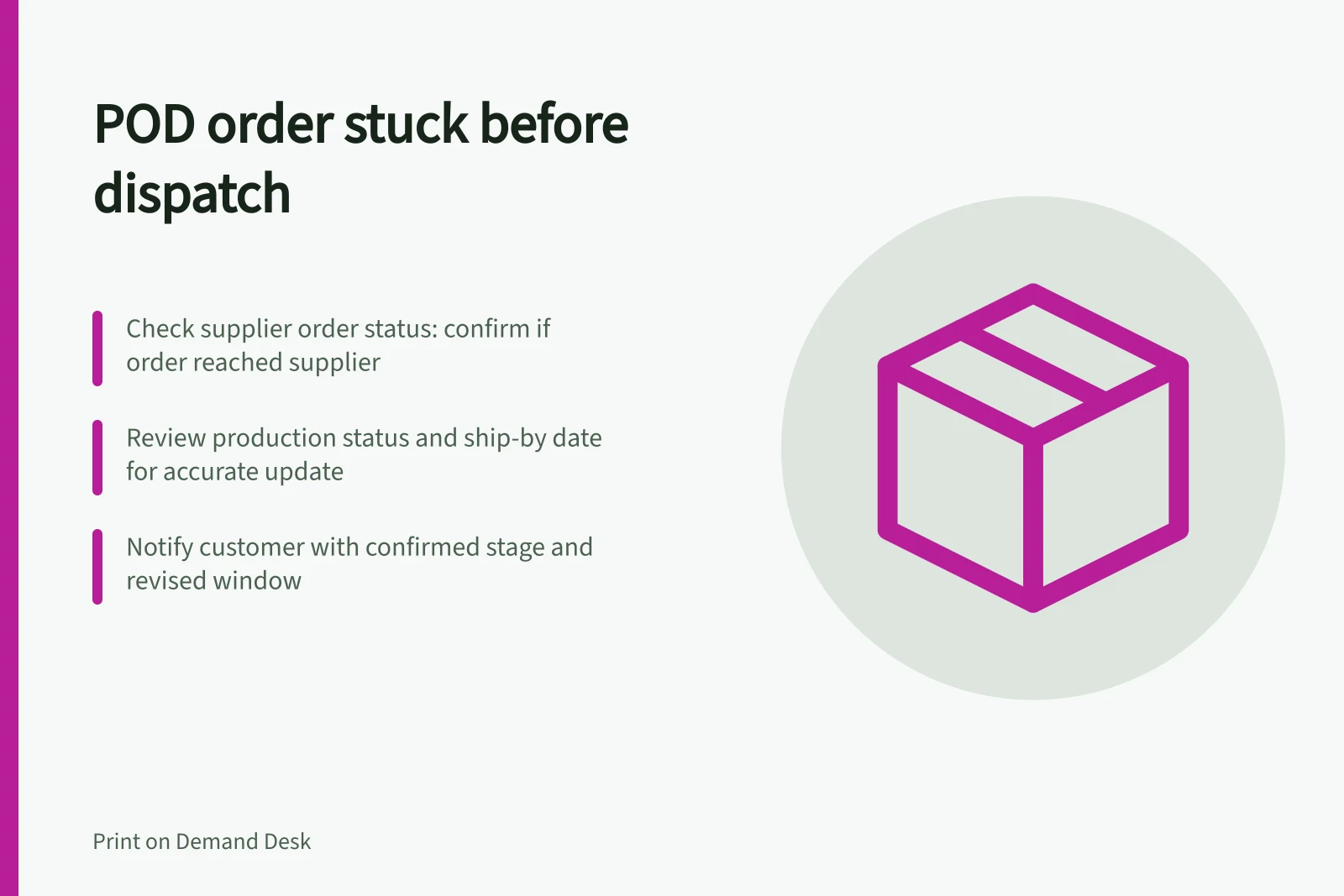
If a POD order shows no carrier movement, first confirm whether it reached the supplier. Then read its production status and estimated ship-by date.
Carrier tracking cannot diagnose an order that is still a draft, awaiting approval, on hold or in production. Tell the customer the last confirmed stage before offering a revised arrival estimate.
Find the last confirmed hand-off
Match the store order to the supplier order. Check the product, variant, address and payment state, then look for an approval request, unsynchronised item or hold.
A store order is not proof that the supplier has a processable order.
File, address, stock and payment issues are among the possible causes. Gelato separately identifies statuses such as “Created”, “Pending approval”, “Failed” and “In Production”.
Read the selected supplier’s definitions rather than treating every pending label alike.
| Finding | Next check |
|---|---|
| No supplier order | Review the store-to-supplier submission and approval path. |
| Draft, failed or awaiting approval | Open the specific error or request and resolve it. |
| On hold | Read the stated cause and follow that supplier’s correction process. |
| Submitted and within the current ship-by estimate | Record when to check again; do not assume a fault. |
| Past the current ship-by estimate | Ask the supplier for an order-specific status and revised dispatch estimate. |
A missing tracking number alone does not show that a carrier lost the parcel. Gelato’s “Shipped” status can mean a label exists while carrier pickup is still pending.
Supplier order statuses and actions
- No supplier order
- Review store-to-supplier submission path
- Draft / Failed / Awaiting approval
- Open error or request and resolve immediately
- On hold
- Read cause and follow supplier’s correction process
- Submitted within ship-by estimate
- Record next check date; no fault assumed
- Past ship-by estimate
- Request order-specific status and revised dispatch estimate from supplier
Resolve the cause and revise the estimate
Correct a named file or address issue in the affected supplier order using its current process. Do not assume editing a store listing changes an order already submitted.
If the order is in production but late, check its current order-level estimate and contact the supplier. Do not treat any waiting period as a reason to delay a customer update.
Tell the customer what is confirmed
Say whether the order has reached production, remains on hold or is awaiting supplier confirmation. Give a supported revised window when available; otherwise give a definite time for the next update. Do not describe a label-only status as carrier transit.
Keep the original promised window, supplier status and contact record with the order. If the arrival window will probably be missed, explain the delay and address a practical solution.
In Australia, the ACCC educates consumers and businesses about their rights and responsibilities under consumer law. It does not resolve individual disputes about a failure to supply or delayed supply.
Key facts about POD order delays in Australia
- ACCC roleEducates consumers and businesses on rights under Australian consumer law; does not resolve individual disputes
- Missing tracking numberDoes not indicate carrier loss—may mean label exists but pickup pending
- Typical fulfillment timeVaries by supplier; check Printify or Printful production timelines