Returns & Replacements
Part of POD shipping and delivery expectations
Updating delivery estimates during a peak period
Refresh POD delivery windows from current supplier and carrier information, then update checkout copy and affected customers.
Peak periods can include Christmas, Valentine’s Day, Mother’s Day, Father’s Day and surrounding public holidays; order processing and delivery times may vary then. Rebuild the estimate when supplier or carrier information changes, update what future buyers see, and contact customers with affected open orders.
A website banner does not tell someone who has already paid what is happening to their order.
Rebuild the estimate from current inputs
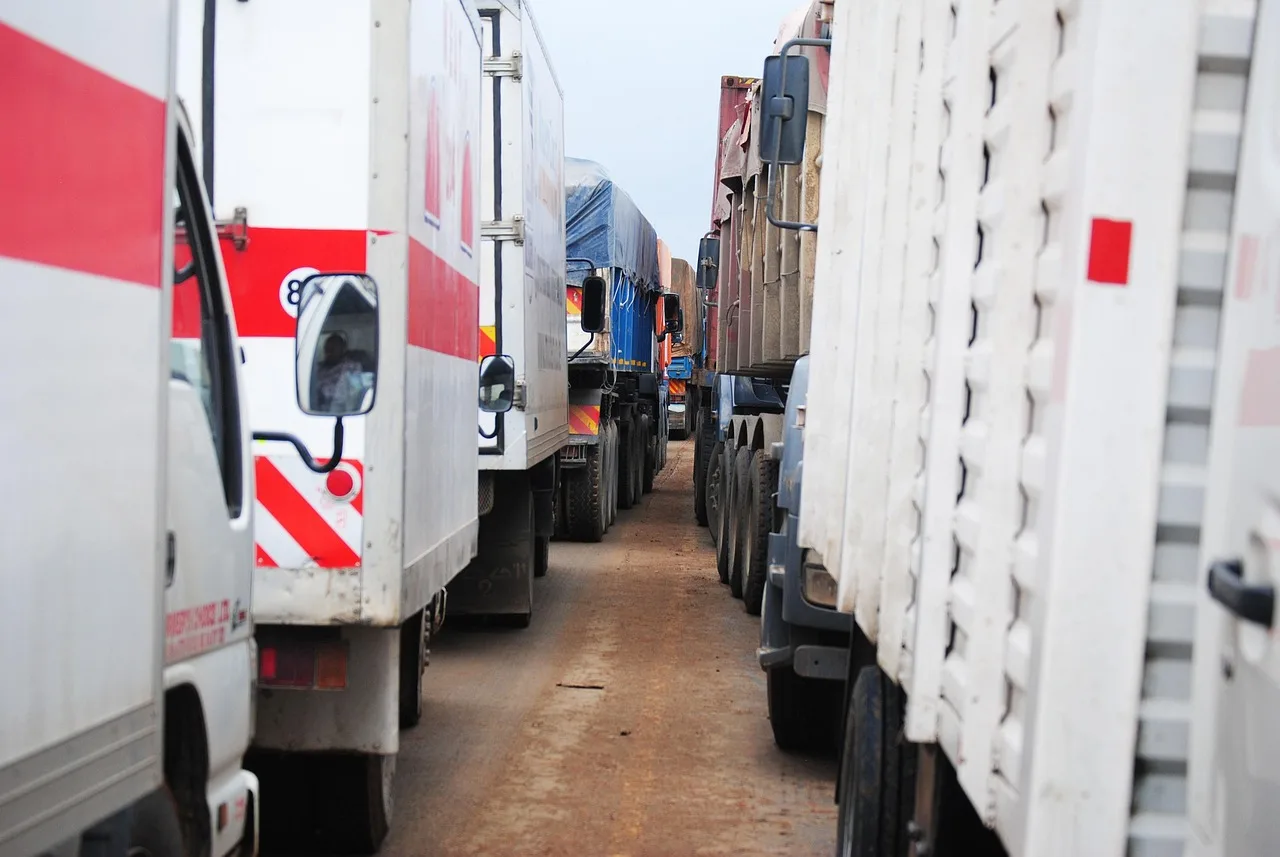
Treat a peak period as a busy sales period when production or delivery information changes. Check for supplier notices about production capacity, stock availability or logistics, and for carrier service updates; these can affect the inputs behind an estimate.
Check the active product and route: the supplier’s production estimate or order-level ship-by date, any hold or stock notice, the shipping method and the destination-specific transit outlook.
Gelato’s live estimated dates in the Dashboard include fulfilment and shipping. Its estimates are influenced by product type, production and delivery locations, order size and dimensions, production capacity and shipping method; stock availability and logistics can also affect the production location.
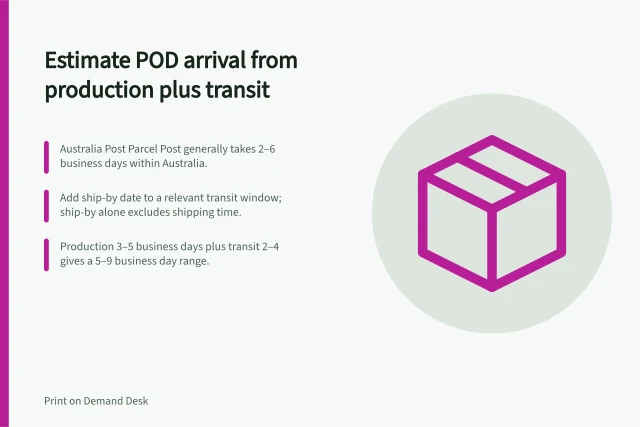
For an Australian delivery, check the carrier actually selected, such as Australia Post, Sendle or StarTrack, and use its current guidance for that service and route. Australia Post says its international delivery estimates are general guides, and that regional and rural routes are likely to take longer than metro routes.
For an international route, check the selected carrier’s information and service updates. Australia Post advises adding 2 business days for Express items or 5 business days for Standard and Economy items sent from South Australia, Tasmania or the Northern Territory before departing Australia. Treat any carrier cut-off as guidance to check against the selected service and route, not as a guaranteed arrival date for a POD order.
Keep a dated record of the estimate and the inputs behind it. When production takes longer but transit guidance is unchanged, replace the old production range and combine it with the current transit range: add the lower endpoints for the earliest estimate and the upper endpoints for the latest. If the route or service is unknown, say what is uncertain rather than inventing an arrival date.
Key Steps for Updating Delivery Estimates During Peak Periods
- 1. Assess supplier and carrier updatesCheck for production capacity changes, stock availability, or logistics alerts from suppliers and carriers like Australia Post, Sendle or StarTrack.
- 2. Verify active product and route detailsConfirm the production estimate, ship-by date, shipping method, and destination-specific transit outlook, including regional or rural delivery considerations.
- 4. Record the updated estimateKeep a dated log of inputs and revised estimates to ensure transparency and compliance with ACCC guidelines.
Update future buyers and existing orders
For future buyers, correct every place the store displays an estimate: the product page where applicable, checkout, order confirmation and shipping information. Use a product-specific window when one route is slower than the rest of the catalogue.
For open orders, compare the original promise with the current supplier status. Group orders only when they share the same cause and revised window, and contact customers whose expected arrival is likely to change.
State the affected item, its confirmed stage, the reason if known, and either a supported new estimate or when you will check again. For example: “Hi [name], we’re contacting you about [item/order]. Its current stage is [confirmed stage], and [reason, if known] has changed the expected delivery window to [revised window]. We’ll check again by [date/time] and update you; you can reach us at [contact details].”
Do not imply that an event purchase will arrive in time without evidence.
Actions to Update for Affected Orders
- Update all customer-facing display locationsProduct page, checkout, order confirmation, and shipping information.
- Group orders by shared cause and revised windowEnsure consistent messaging across affected customers.
- Contact customers with affected open ordersInclude item name, confirmed stage, reason for delay, and either a new estimate or follow-up date.
- Avoid implying timely arrival without evidenceDo not promise delivery by Christmas or other events without verified data.
Review as conditions change
Review estimates whenever a supplier or carrier update changes an input, and before continuing to show the current window to new buyers. Record when each estimate was checked and which orders it covers.
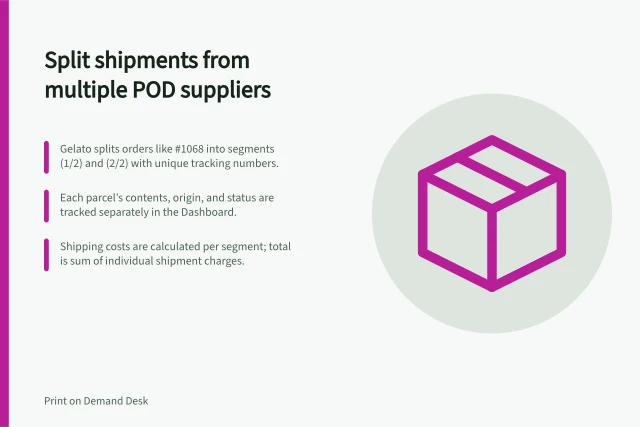
Verify an individual order before bringing its arrival estimate forward. If one parcel in a split order slips, revise that parcel’s window and the expected completion date for the whole order.
The ACCC says it can require businesses to back up claims they make about their products or services. If an order cannot be supplied on time or within a reasonable time, address the available solution as well as the revised estimate.