Supplier Selection
POD intellectual property checks
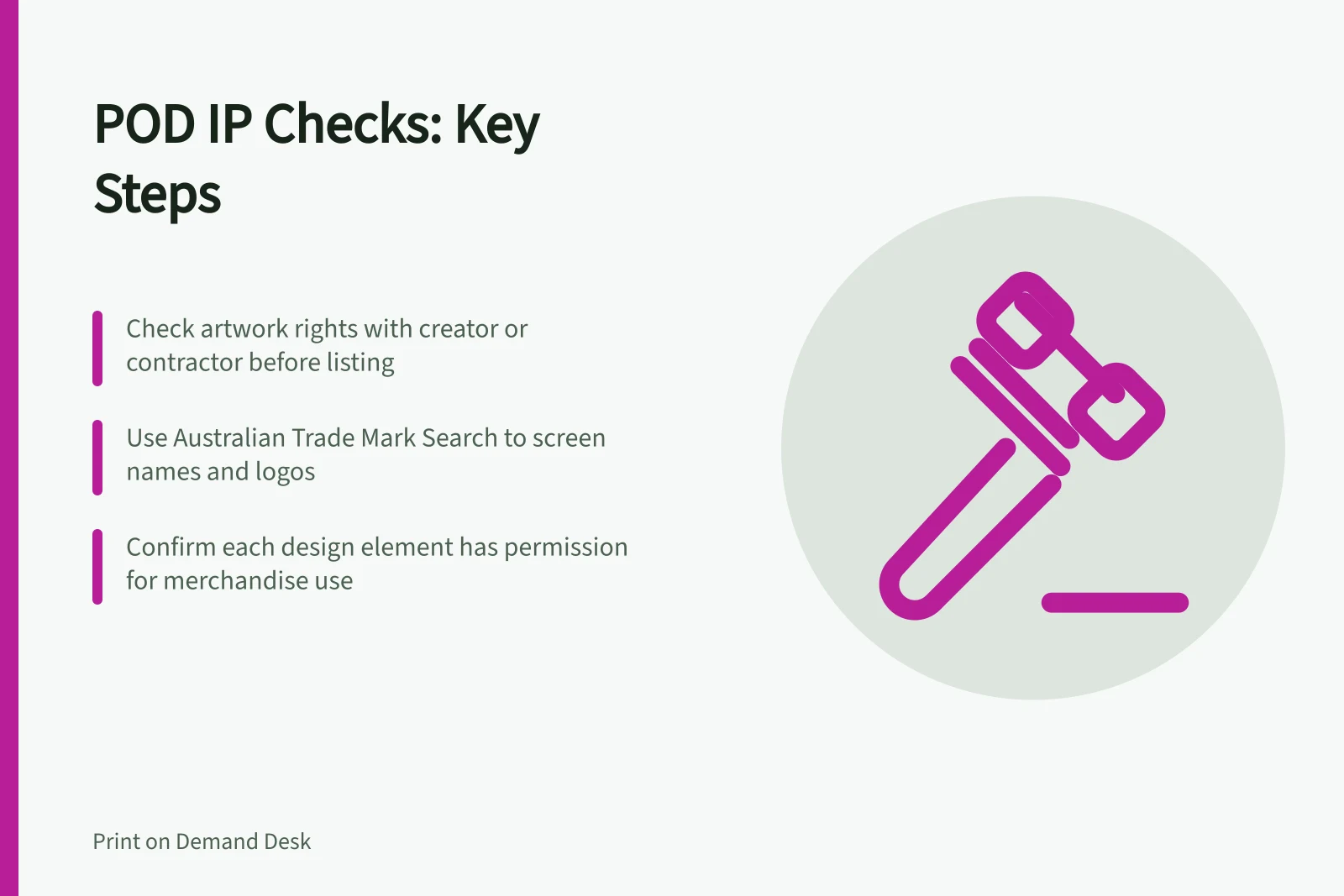
Check artwork, asset permissions and branding before listing a POD product, then record the rights decision for the final design.
Before listing a print-on-demand (POD) product, check the rights behind its artwork, product name, branding and promotional images. For each element, identify who supplied it and why the intended merchandise use is permitted. Hold the listing if a material rights question remains unanswered.
Review the complete offer
Before release, inspect the final production file and the buyer-facing listing. This covers illustrations, photographs, supplied text, fonts, logos and design-library elements. Artwork from a customer or contractor still needs a rights basis for the use your store proposes.
Check whether the material needs permission and, if so, confirm the basis covers the intended merchandise use. A download, creator credit or small edit does not by itself permit you to sell printed products.
| Part of the offer | Check before release |
|---|---|
| Original artwork | Identify its creator and any third-party material included in it. |
| Licensed graphic, photo or font | Check the terms for the finished product and the way the file reaches the printer. |
| Product name, slogan or logo | Screen for potentially conflicting branding on relevant goods. |
| Customer or contractor file | Check what rights the sender can grant and what the agreement actually covers. |
Match permission to the workflow
Confirm every element in the final design has a permission basis covering the intended merchandise use. Treat any unresolved permission question as a reason to hold the listing.
For pooled content libraries, distinguish permission to use an item in a design from ownership of it or an unrestricted right to use it. The terms applying to each asset are covered in the detailed licence review.
Screen branding separately
Use Australian Trade Mark Search to check proposed names and logos, including sensible word and image variations. Consider the goods involved.
The register covers pending and registered trade marks. Unregistered branding can also present a risk. Seek qualified advice if a close result or important uncertainty affects the launch.
IP Australia offers two search options with different purposes. Australian Trade Mark Search lets you search registered and pending marks, including by text or image; TM Checker gives feedback on the likely success of a trade mark application. A search result informs the release decision; it does not guarantee a proposed brand can be registered or used.
Assess similarity by considering the mark with the goods or services involved. IP Australia says a mark may be too similar where it is used for the same or similar goods or services and may cause confusion. Its examples cite brand names, logo devices and slogans as features that can contribute to similarity.
Distinctiveness matters in trade mark examination. IP Australia says examiners consider whether other traders may have a legitimate desire to use a mark, including because it is descriptive. Its example is “4x4” for vehicles; a descriptive product name may raise a different issue from a name resembling an existing brand.
IP Australia says examiners also check legal identity and whether trade mark classifications are correct when reviewing an application. The name alone therefore does not define the branding check: consider the relevant product categories and the identity under which the offer is made.
IP Australia Search Options: Australian Trade Mark Search vs TM Checker
- Australian Trade Mark SearchSearches registered and pending trade marks (text or image); informs release decision
- TM CheckerProvides feedback on likely success of a trade mark application; not a guarantee of registration
Make a release decision
Record each element as approved for this use, replace or hold for clarification. Keep that decision with the identified artwork version and product types. Check the export and listing images again so a superseded element does not return.
Repeat affected checks when the artwork, product type, personalisation method or supplier workflow changes.
Where an offer uses Canva Content, record the licence for each item. This connects the release decision to the actual design components, particularly where categories are combined and the most restrictive licence governs the design as a whole.
Treat trade mark screening and copyright permission as separate parts of the release decision. A proposed name may need consideration for similarity and distinctiveness, while artwork permissions depend on the terms applying to the material. A satisfactory result in one check does not answer the other.
Key IP Considerations for Australian POD Sellers
- Copyright BasicsUse of images, text, fonts requires permission unless under fair dealing or public domain
- Trade Mark RiskEven unregistered branding may pose infringement risk; seek legal advice if uncertain
- Canva Content LicenceLicence applies per item; most restrictive term governs the design when combined
- Font LicensingWeb fonts often require commercial use licences; check Adobe’s terms for full clarity
In this guide
- Checking design assets before commercial POD useCheck the source and terms for each asset in a POD design against the product, sale and supplier workflow you intend to use.
- Keeping a record of font and graphic licencesKeep font and graphic permissions tied to the artwork versions, products and production workflows that use them.
- Handling a suspected copy of a POD designPreserve a suspected copy, check your rights and compare the relevant work before contacting a seller or filing a platform report.
- Reviewing a POD IP takedown notice with qualified advicePreserve an incoming POD IP notice, identify the claimed right and prepare design records before choosing a platform response with advice.